Virtual Reality vs Augmented Reality in Education
VR vs AR for learning: how they differ, where each fits, the trade-offs, and a rule for choosing.
By DoviLearn® Insights Team
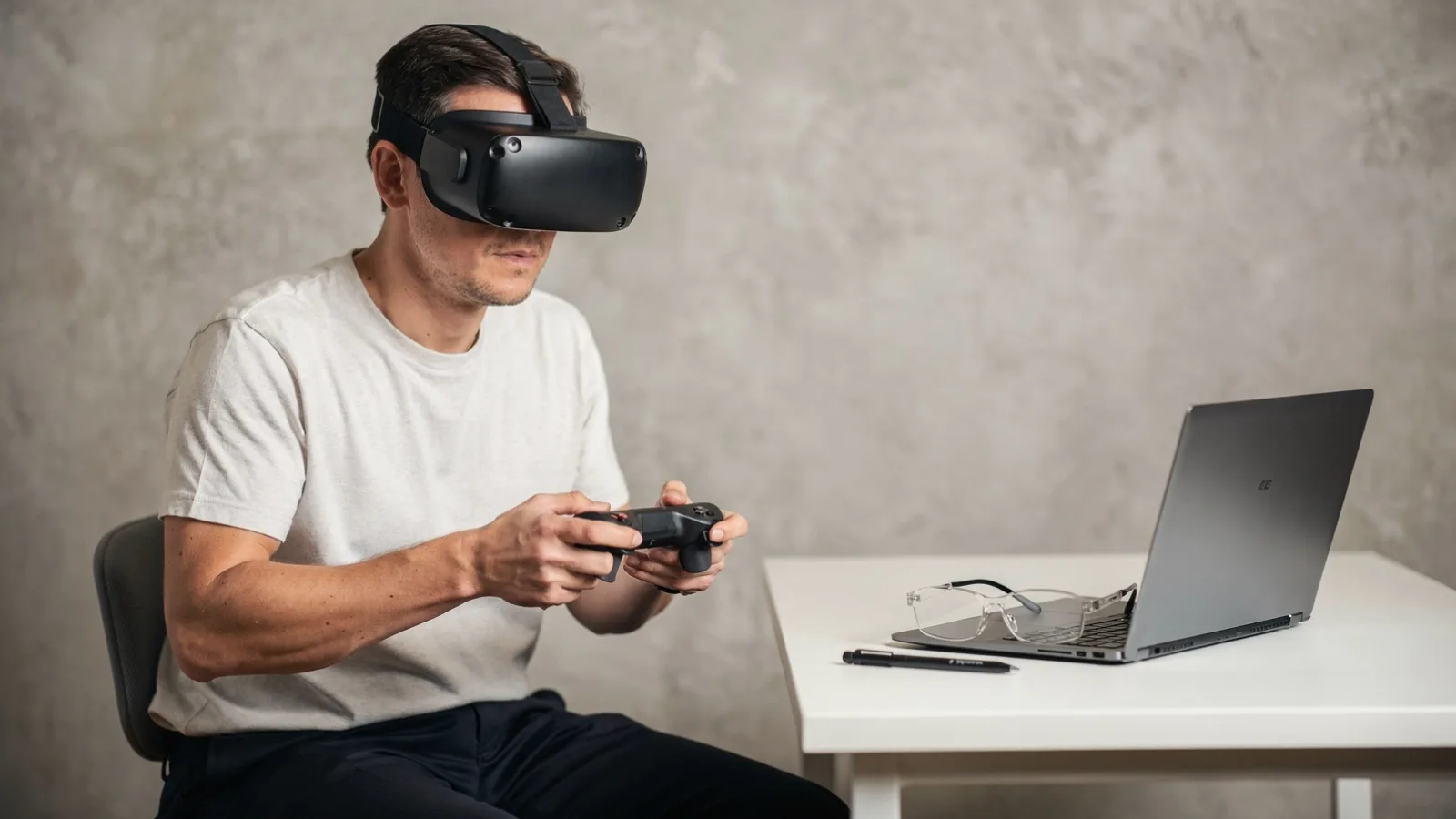
Virtual reality replaces what a learner sees with a built world; augmented reality adds layers onto the real one. That single difference drives almost everything else: cost, comfort, safety and the kinds of tasks each one suits. Choosing well starts with the task you want learners to do, not with the headset you happen to own.
What actually separates them
Virtual reality is immersive and isolating, which is its strength for rehearsing a dangerous or impossible scenario. Augmented reality keeps learners grounded in their real surroundings, which suits guidance over a real object or workspace. Both are extended reality environments, and the W3C note on XR accessibility describes accessibility needs for immersive environments, including movement, interaction, captions and safe comfort. [c-w3cxr]
Editorial illustration representing the article subject. ⚠ AI-generated editorial illustration. It represents the article’s subject and does not document a real event or identify real people.
Close
AI-generated editorial illustration. It represents the article’s subject and does not document a real event or identify real people.
A weighted comparison
Weight the criteria for your programme, then score each option. Treat the defaults below as a prompt for discussion.
• Full immersion in a scenario (weight high): VR excels; AR keeps one foot in the real room.
• Guidance on real objects (weight high): AR excels; VR cannot see the real object.
• Physical comfort and motion safety (weight high): AR is usually gentler; VR needs care over motion and breaks.
• Cost and logistics at scale (weight medium): shared AR on existing phones is cheaper than managing VR headsets.
• Social presence in a group (weight medium): AR supports co-located groups; VR can isolate unless designed for shared spaces.
Use-case criteria
Choose VR when the value is in being somewhere a learner cannot safely or practically go, and when a single, focused rehearsal matters. Choose AR when the value is in doing a real task better with information in place, or when you need to reach many learners on devices they already carry.
The trade-offs and accessibility
Immersion is powerful but can exclude. Motion, small text and timed interactions can shut some learners out, so accessibility is a design input, not an afterthought. WCAG 2.2 organises accessibility requirements around content being perceivable, operable, understandable and robust, and is a W3C Recommendation you can apply to the interface layer. [c-wcag]
A defensible selection rule
A rule you can defend: if the learning depends on being inside a place that is unsafe, costly or impossible to reach, choose VR and design for comfort; if it depends on acting on the real world, choose AR and design for the room. Pilot with real learners before scaling. UNESCO guidance for generative AI in education frames exactly this kind of human-centred, privacy-aware adoption for the tools layered on top. [c-unescogen]
Where DoviLearn® fits
Adaptive scenario and immersive-learning design at DoviLearn® is one way to apply this comparison: you can question the format choice, configure the scenario, and evaluate it against the criteria above. Inputs such as safety limits, accessibility targets and device logistics still require educator and organisational judgement. The example shows a process, not a guaranteed learning, employment or business outcome.
Related reading
• Explore DoviLearn® learning technology .
• See DoviLearn® research .
• Related article: the power of collaboration boosting learning with digital tools .
• Related article: how to design a useful virtual reality lesson .
• Related article: ai tutor vs chatbot what learners should expect .
References
• XR Accessibility User Requirements , World Wide Web Consortium (W3C). W3C Group Note: accessibility needs for immersive environments
• Web Content Accessibility Guidelines (WCAG) 2.2 , World Wide Web Consortium (W3C). W3C Recommendation, 5 October 2023: perceivable, operable, understandable, robust
• Guidance for generative AI in education and research , UNESCO. 2023 guidance: human-centred approach and regulation