How to Plan an LMS Content Migration
A step-by-step guide to planning an LMS content migration, covering inventory, triage, interoperability, a verified pilot and a safe cutover.
By DoviLearn® Insights Team
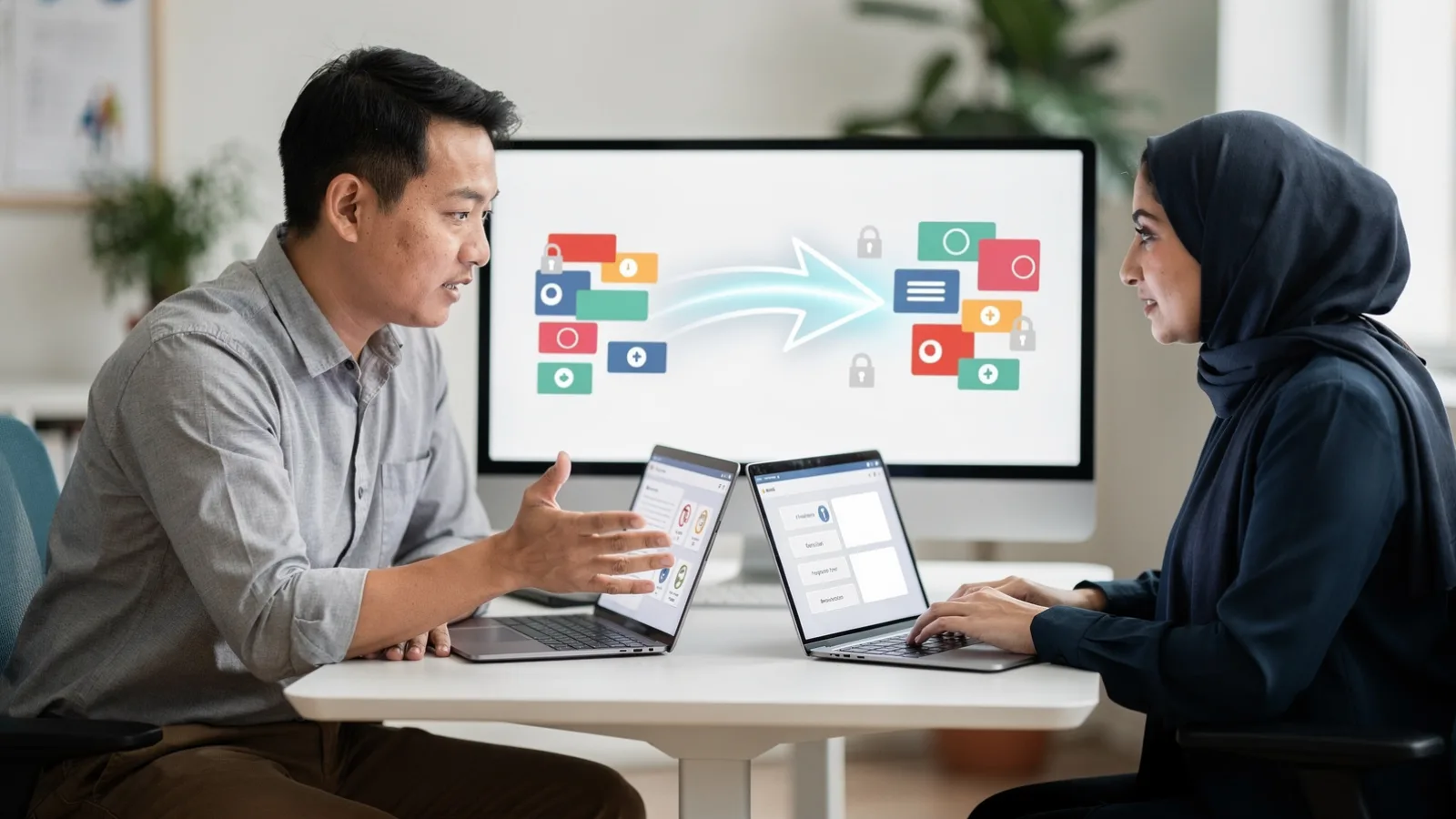
An LMS content migration is the moment where years of courses, assessments and records move from one system to another, and it is where a lot of quiet damage happens. Broken links, lost completion records and scrambled quiz logic tend to surface weeks later, when the old system is already gone. This is a step-by-step plan for migrating existing content safely. It is about moving what you already have, not about governing new AI-generated material, which is a separate task.
Step one: inventory before you move anything
Start by listing what actually exists: every course, the assets inside it, the assessments, and the learner records attached to each. Most organisations discover they have far more, and far more duplication, than they expected. Mark what is live, what is obsolete, and what must be kept for compliance. A migration is the best chance you will get to leave the dead weight behind.
Step two: decide what moves, what retires, what is rebuilt
• Move as-is: current, correct content that the new system can host without change.
• Retire: outdated or duplicated material that should not be carried forward.
• Rebuild: content that relies on features the old system had and the new one handles differently.
Editorial illustration representing the article subject. ⚠ AI-generated editorial illustration. It represents the article’s subject and does not document a real event or identify real people.
Close
AI-generated editorial illustration. It represents the article’s subject and does not document a real event or identify real people.
Step three: protect interoperability and records
The riskiest items are the ones that depend on how systems talk to each other: launched activities, grade passback, and completion data. Map these against the standards your new platform supports before you move them. Learning Tools Interoperability defines how learning tools and platforms exchange launches and results across systems. [c-lti] If a resource relies on an integration the new LMS does not support the same way, that is a rebuild, not a copy.
Step four: migrate a pilot, then verify
Never migrate everything at once. Move a representative slice first, covering the trickiest content types, and check it against the original: do links resolve, do assessments score correctly, are completion records intact, and does the content meet accessibility requirements. WCAG 2.2 organises accessibility requirements around content being perceivable, operable, understandable and robust. [c-wcag] Only once the pilot is verified end to end should the full migration proceed in batches.
Step five: plan the cutover and the fallback
Decide in advance when the old system becomes read-only, when it is retired, and how you would recover if something fails after cutover. Keep the source system available long enough to confirm nothing important was left behind, because the gaps usually appear after people start using the new platform in earnest.
Where DoviLearn® fits
For institutions, the platform and delivery model described under DoviLearn® for organisations and DoviLearn® learning technology can be examined through this plan: ask how the inventory is built, how interoperability is protected, and how the pilot is verified before cutover. Those decisions require institutional and technical judgement, and the example shows a process rather than guaranteed learning, employment or business outcomes.
Related reading
• Related: how to structure courses in an lms .
• Related: designing useful feedback in ai tutoring .
• Related: mastering digital classroom .
References
• Learning Tools Interoperability (LTI) , 1EdTech Consortium. LTI interoperability specification overview
• Web Content Accessibility Guidelines (WCAG) 2.2 , World Wide Web Consortium (W3C). W3C Recommendation, 5 October 2023: perceivable, operable, understandable, robust